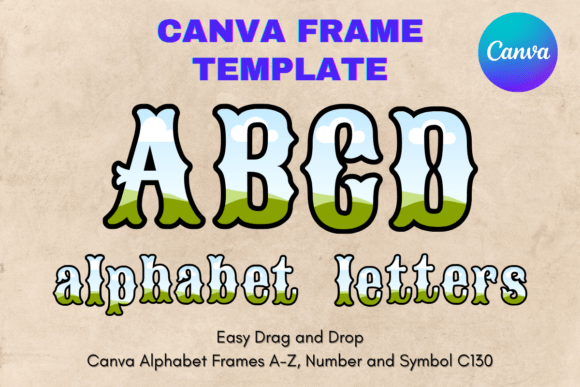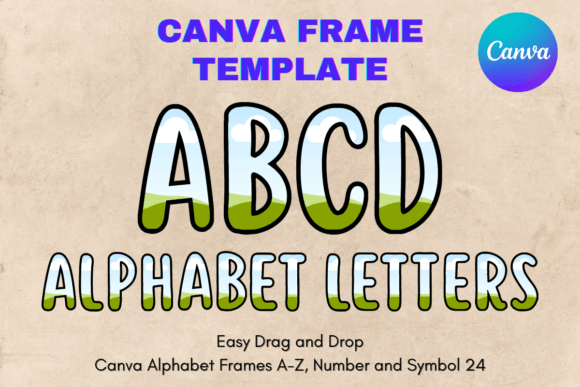
Create Custom Monograms with Canva Letters Frame Alphabet Template_24
Designing unique typography for physical products often requires expensive software and technical skills, but the Canva Letters Frame Alphabet Template_24 bridges that gap with surprising elegance. This resource is specifically engineered for creators who want to produce custom sublimation designs, vinyl decals, or personalized stationery without the steep learning curve of professional vector software. Unlike standard stock fonts or static image files, this product functions as a dynamic editing environment. You are purchasing a digital link to a custom-made Canva template that transforms the design process into a simple drag-and-drop experience.
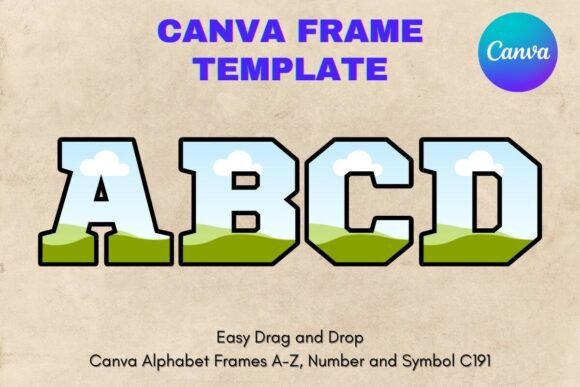
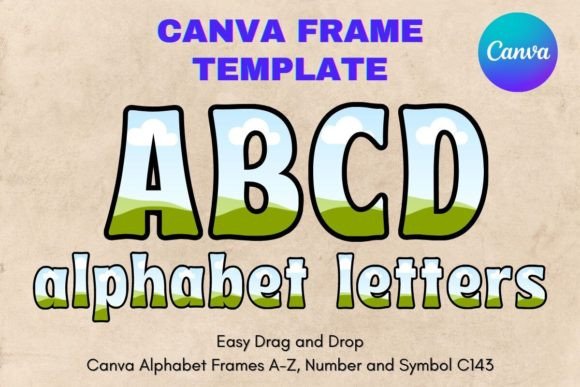
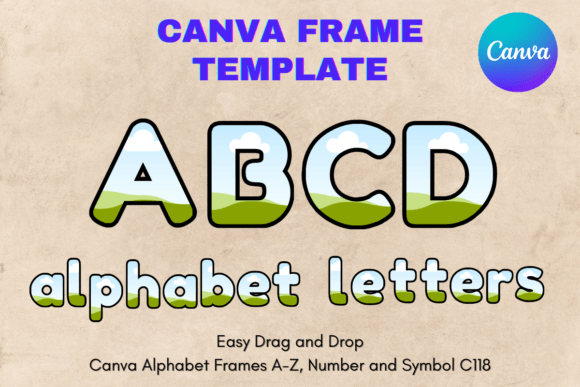
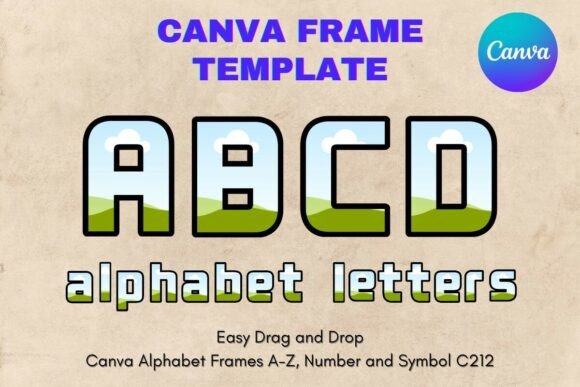
It is important to understand the nature of this asset to get the most out of it. This is not a traditional PNG or SVG file that you download to your hard drive. Instead, you receive a PDF containing a direct link to the editable template within Canva. Once you access the link, you gain full control over the frames. The visual style of the Canva Letters Frame Alphabet Template_24 is designed with a transparent layer structure. This means the letters act as windows or masks. You can drag any texture, photo, or pattern into the frame, and the design will clip perfectly to the shape of the letter. This technique creates a professional, polished look that mimics advanced clipping mask functions found in high-end software.
Transforming Digital Assets into Physical Products
The primary appeal of the Canva Letters Frame Alphabet Template_24 lies in its utility for sublimation and printing. Because the template is set up on a standard 8.5x11 inch paper size, it integrates seamlessly into home printing workflows. However, the vector-based nature of Canva frames means you are not strictly limited to that size. You can scale the designs up or down to suit your specific needs, whether you are creating a small monogram for a baby onesie or a large headline for a tote bag. The "transparent layer" feature is the secret weapon here. When you export your finished design, you can isolate the letter with its filled pattern, making it easy to layer onto different colored backgrounds later.
For those in the crafting community, specifically those working with heat transfer vinyl (HTV) or sublimation ink, this template solves the problem of creating "knockout" designs. Instead of spending hours in Adobe Illustrator trying to align edges, you simply open the Canva Letters Frame Alphabet Template_24, drop in a floral pattern or a sports texture, and export. The result is a crisp, high-resolution image ready for your heat press. This practical application makes it an invaluable addition to a crafter's library of design assets.
Strategic Applications for Branding and Marketing
Beyond personal crafting, the Canva Letters Frame Alphabet Template_24 offers significant value for entrepreneurs and marketers. In the realm of brand identity, consistency is king. If you are launching a boutique or a small business, you can use these frames to create a cohesive visual language. Imagine using a specific brand texture—like a signature marble, a corporate gradient, or a specific fabric weave—inside the letters of your brand name. This creates a memorable visual hook that reinforces your brand personality.
Consider the impact on social media graphics. In a crowded feed, static text often gets ignored. However, text filled with dynamic imagery or bold textures catches the eye. You can use the Canva Letters Frame Alphabet Template_24 to create "sale" announcements where the word "SALE" is filled with red glitter, or "Summer" filled with ocean waves. This approach adds depth and context to your messaging instantly. It is a form of modern typography that blends illustration with text, making your content more shareable and engaging.
Furthermore, this template is excellent for packaging design prototypes. If you sell handmade goods, the presentation matters. You can mock up custom stickers or hang tags using the frames to visualize how a monogram will look on your product. Because it is an editable Canva frame template, you can experiment with countless variations in minutes, presenting professional-looking concepts to clients or stakeholders before committing to a print run.
Design Principles: Making the Template Work for You
While the Canva Letters Frame Alphabet Template_24 simplifies the technical process, applying good design principles will elevate your results. One key consideration is visual hierarchy. Because these frames allow for texture and imagery, they can be visually "heavy." If you are using a frame letter as a drop cap in a blog post graphic or a magazine layout, ensure the surrounding text is simple and clean. Pairing a textured, frame-filled display letter with a sans serif font for body text usually provides the best balance. The sans serif acts as a neutral canvas, allowing the decorated frame to stand out without clashing.
Readability is another critical factor. While it is tempting to fill the letters with complex, busy patterns, this can sometimes obscure the letter's shape, making it hard to read. For logo design or headlines, choose fills that have high contrast or distinct shapes that follow the contour of the letterform. For example, horizontal stripes can add a modern, nautical feel, while a subtle floral arrangement can soften the look for a wedding invitation. Always zoom out and squint at your design; if the letter shape is lost, simplify the fill.
Technical Tips for Sublimation and Vinyl Users
For users specifically interested in the sublimation aspect, here is a practical workflow. First, access the Canva Letters Frame Alphabet Template_24 via the provided PDF link. Select the letter you need. Upload your desired high-resolution pattern to Canva and drag it into the frame. Once satisfied, click "Share," then "Download," and choose PNG for the highest quality. If you need the letter to have a transparent background (essential for layering on colored shirts or mugs), Canva allows you to download with a transparent background if you have a Pro account. If you do not have a Pro account, you can use free online tools to remove the white background after exporting.
For vinyl crafters, the process is slightly different. Since vinyl cutters need vector lines, you might need to trace the exported PNG in your cutting machine's software (like Cricut Design Space or Silhouette Studio). However, the Canva Letters Frame Alphabet Template_24 is still useful for creating "print then cut" projects. You can print the filled letters on sticker paper or printable vinyl and cut them out. This is perfect for planner stickers, greeting cards, or scrapbooking elements.
The versatility of this creative font system allows it to adapt to various styles. By changing the fill, the same letter "A" can look vintage (filled with old newspaper print), futuristic (filled with neon gradients), or rustic (filled with burlap texture). This adaptability makes the Canva Letters Frame Alphabet Template_24 a cost-effective solution for anyone who needs a wide range of stylistic options without purchasing dozens of different typefaces or graphic packs. It empowers you to be the typographer, giving you control over the final aesthetic of your project.