Crafting Visual Narratives with Canva Frame Templates
A Practical Toolkit for Creative Professionals
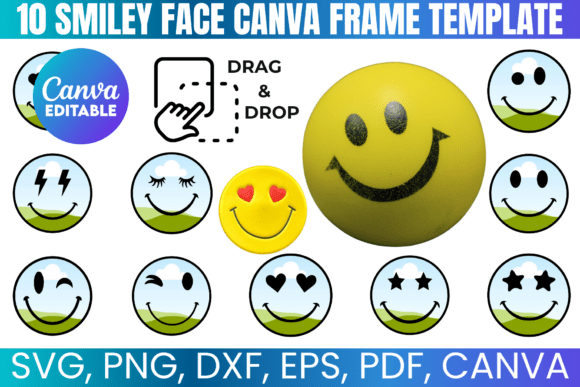
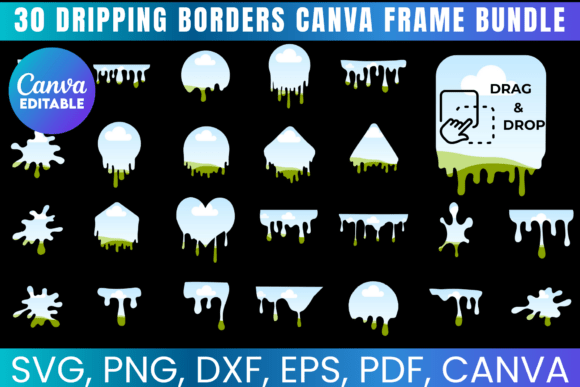
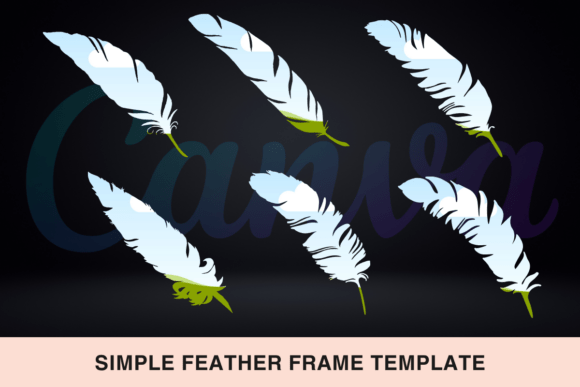
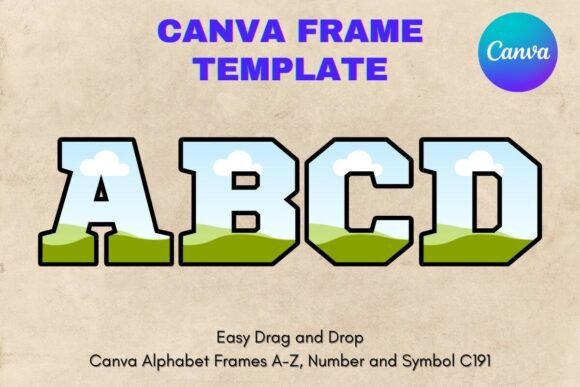
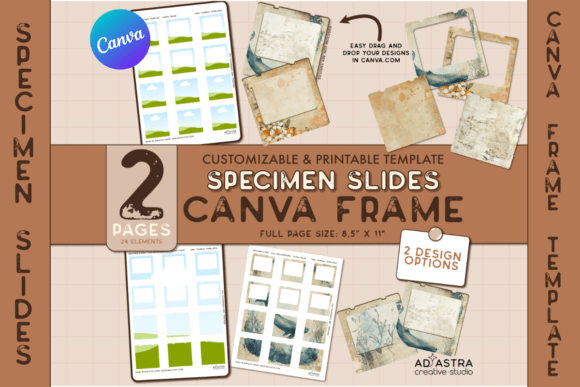
Imagine having a consistent, high-quality visual format for every specimen slide, product mockup, or journaling card you design. The Specimen Slide Canva Template Set provides exactly that. It’s a collection of pre-designed Canva Frames that act as editable containers. You simply drag your own images, patterns, or graphics onto them, and the design snaps perfectly into place. This isn't about downloading a static image; it's about gaining access to a flexible system within Canva’s editor. The kit includes two pages of these customizable frames, a direct link to the template file, and a straightforward guide to get you started immediately. Whether you're building a portfolio, creating product listings, or designing a series of social media posts, this template set removes the technical friction and lets you focus on the creative work.
The visual personality of these templates is clean, modern, and intentionally understated. They are designed to be a canvas, not the centerpiece. This makes them incredibly versatile. The frames themselves can range from classic rectangles and circles to more organic shapes, all rendered with crisp lines and balanced proportions. They provide structure without imposing a specific style, which is a huge advantage. You maintain full creative control over the aesthetic. The overall appeal lies in their utility—they are design assets built for real-world application, saving you hours of setup time. For a small business owner creating product spec sheets or a blogger designing Pinterest pins, this kind of consistent, professional foundation is invaluable.
Where These Templates Shine: Real-World Applications
The true value of the Canva Frame Template for Specimen Slides is revealed in its application. Think beyond the obvious. Yes, they are perfect for creating actual specimen slides for a science-themed project or a unique scrapbook element. But their utility extends far into professional realms.
For brand identity and marketing, use them to create cohesive social media graphics. Design a series of Instagram posts showcasing your products, services, or portfolio pieces, each framed consistently. This builds visual recognition. Entrepreneurs can use them to design elegant digital lookbooks or PDF guides, placing product images and key statistics into the frames for a polished, editorial feel. In editorial design, they are ideal for crafting magazine-style layouts for blog posts or digital publications, giving your content a professional, curated look. The ability to apply a single design across an entire sheet ensures brand consistency, while the option to customize individual frames allows for targeted messaging.
For crafters and hobbyists, the applications are equally rich. Use them to design custom stickers for your planner, create unique journaling cards for scrapbooking, or even mock up your own artwork in a realistic setting before printing. The templates serve as a bridge between a raw idea and a finished, presentable piece. They help you visualize final output, which is a critical step in any design process, from packaging design concepts to web layout mockups.
Practical Guidance for Seamless Integration
Getting the most out of this kit is straightforward, but a few practical tips can enhance your workflow. First, since the templates are built within Canva, you’re working with a familiar drag-and-drop interface. If you don't have an account, a free one is all you need to begin. The included PDF guide will direct you to the template link and explain how to use Canva’s frame feature.
When starting a project, consider the visual hierarchy of your final design. The frames help establish this by creating clear focal points. Place your most important image or information in a prominent frame. Use the ability to edit each element to adjust colors, add text overlays, or incorporate other design assets from Canva’s library to complement your framed content. This is where you blend the template with your own creative font choices—perhaps a clean sans serif font for body text and a display font for headlines—to create a complete visual story.
Always test your designs in context. If you’re creating a set of specimen slides for a digital presentation, preview them in presentation mode. If they’re for print, use Canva’s print preview or export a high-resolution PDF to check quality. Remember, these frames are a starting point. Their strength is in providing a reliable, professional structure that you can then infuse with your unique brand personality, color palette, and typographic style. They are a practical tool for achieving consistency and quality, allowing you to produce creative font and image combinations that resonate with your audience without getting bogged down in initial layout design.